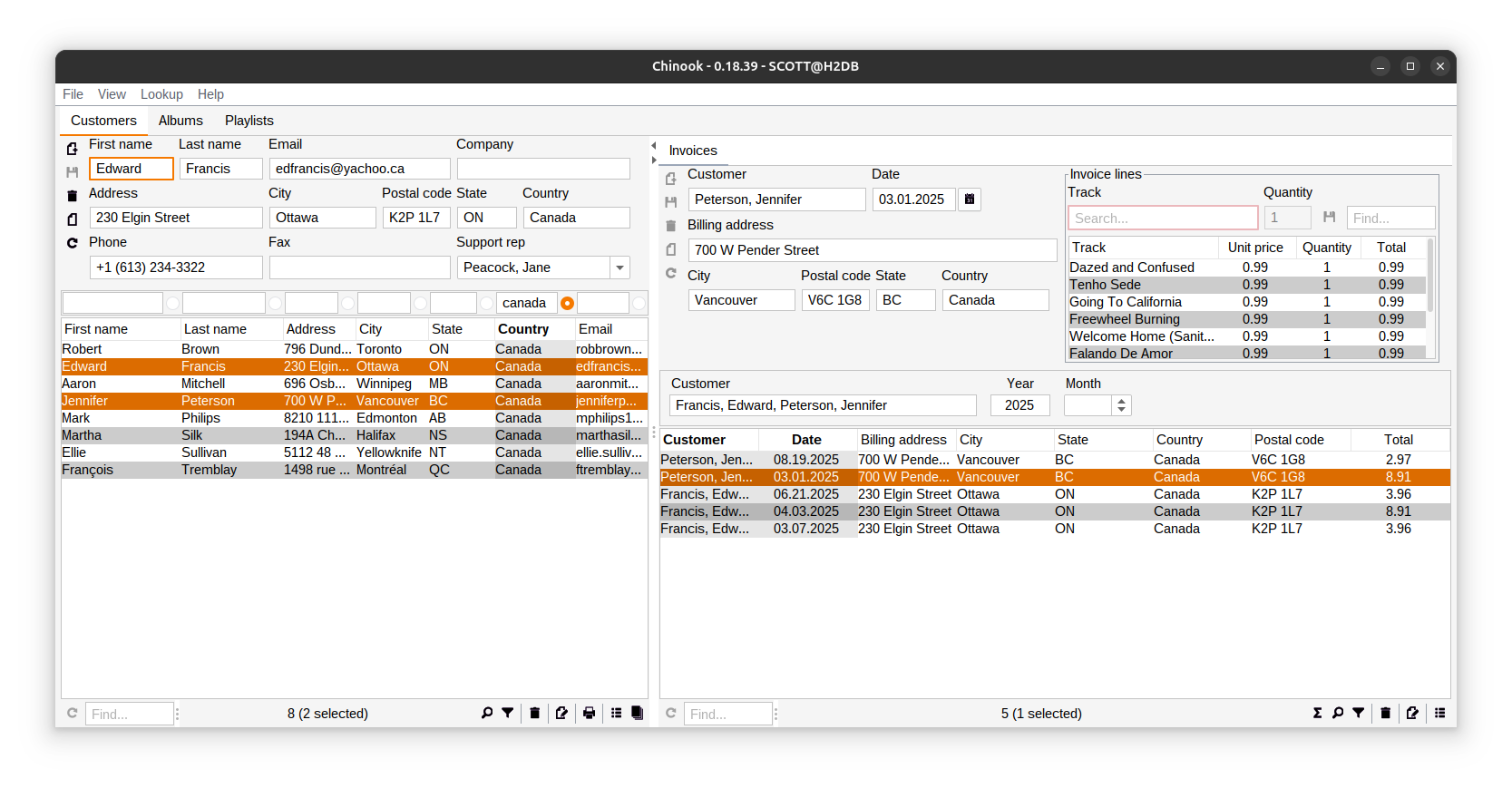
Codion Desktop
Application Framework
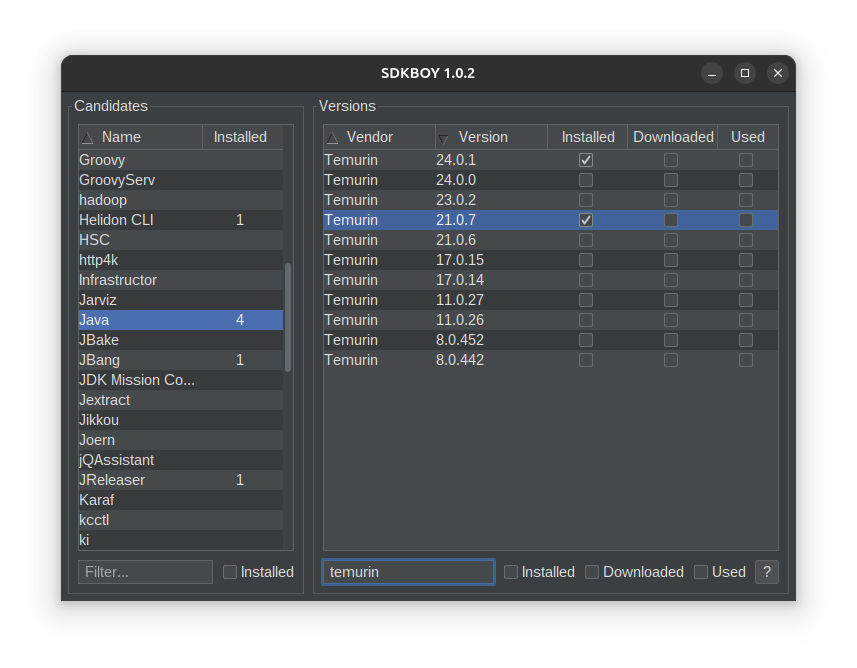
Observable Models
public final class CandidateModel {

    private final SwingFilterTableModel<CandidateRow, CandidateColumn> tableModel;

    private final State installedOnly;

    public CandidateModel() {
        tableModel = SwingFilterTableModel.builder()
            .columns(new CandidateTableColumns())
            .items(new CandidateItems())
            .included(new CandidateIncluded())
            .build();

        installedOnly = State.builder()
            .listener(tableModel.items()::filter)
            .build();
    }

    public SwingFilterTableModel<CandidateRow, CandidateColumn> tableModel() {
        return tableModel;
    }

    public State installedOnly() {
        return installedOnly;
    }
}
Reactive Components
public final class CandidatePanel extends JPanel {

    private final FilterTable<CandidateRow, CandidateColumn> table;

    private final JCheckBox installedOnly;

    public CandidatePanel(CandidateModel candidateModel, ObservableState installing) {
        table = FilterTable.builder()
            .model(candidateModel.tableModel())
            .enabled(installing.not())
            .sortable(false)
            .selectionMode(SINGLE_SELECTION)
            .columnReordering(false)
            .cellRenderer(INSTALLED, Integer.class, renderer ->
                renderer.horizontalAlignment(CENTER))
            .build();

        installedOnly = checkBox()
            .link(candidateModel.installedOnly())
            .text("Installed")
            .mnemonic('T')
            .enabled(installing.not())
            .build();
    }
}
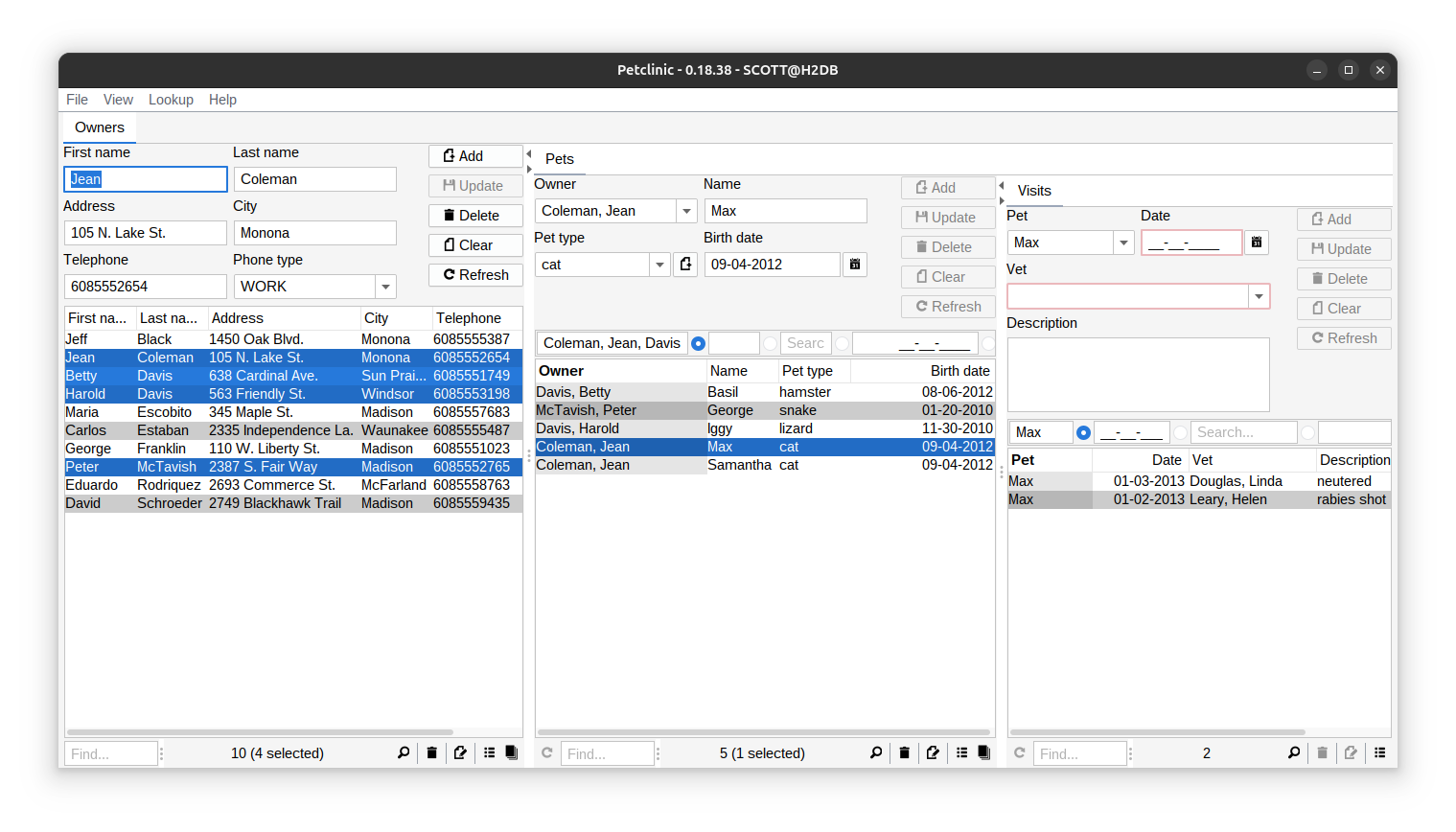
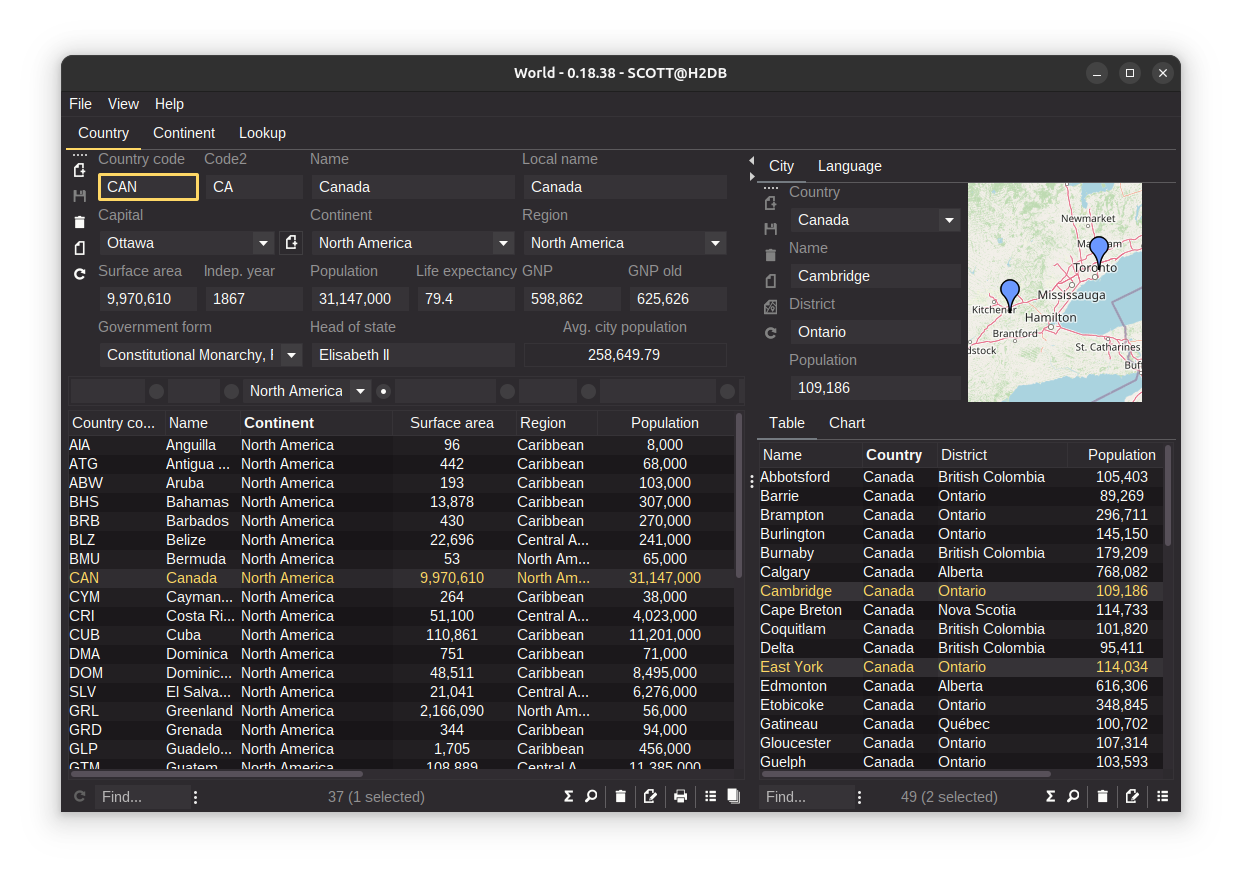
Type-Safe Domain Modeling
// Domain API
interface Country {
    EntityType TYPE = DOMAIN.entityType("world.country");

    Column<String> CODE = TYPE.stringColumn("code");
    Column<String> NAME = TYPE.stringColumn("name");
    Column<Integer> POPULATION = TYPE.integerColumn("population");
    Column<Integer> CAPITAL_ID = TYPE.integerColumn("capital_id");

    ForeignKey CAPITAL_FK = TYPE.foreignKey("capital_fk", CAPITAL_ID, City.ID);
}

// Domain Implementation
EntityDefinition country() {
    return Country.TYPE.as()
        .attributes(
            Country.CODE.as()
                .primaryKey()
                .caption("Code")
                .maximumLength(3),
            Country.NAME.as()
                .column()
                .caption("Name")
                .nullable(false)
                .maximumLength(52),
            Country.POPULATION.as()
                .column()
                .caption("Population")
                .nullable(false),
            Country.CAPITAL_ID.as()
                .column()
                .nullable(false),
            Country.CAPITAL_FK.as()
                .foreignKey()
                .caption("Capital"))
        .caption("Country")
        .build();
}
Declarative UI Building
// UI Component Creation & Layout
@Override
protected void initializeUI() {
    // Create typed components
    create().stringField(Country.CODE)
        .columns(3)
        .upperCase(true);
    create().stringField(Country.NAME)
        .columns(20);
    create().integerField(Country.POPULATION)
        .columns(10)
        .minimum(0)
        .nullable(false);
    create().comboBoxInput(Country.CAPITAL_FK, this::createCapitalEditPanel)
        .includeAddButton(true)
        .includeEditButton(true)
        .preferredComboBoxWidth(180);

    setLayout(flexibleGridLayout(3, 1));

    // Layout with input panels
    add(borderLayoutPanel()
        .west(create().inputPanel(Country.CODE))
        .center(create().inputPanel(Country.NAME)));
    addInputPanel(Country.POPULATION);
    addInputPanel(Country.CAPITAL_FK);
}

// Complete Application Bootstrap
EntityApplication.builder(WorldAppModel.class, WorldAppPanel.class)
    .domain(World.DOMAIN)
    .version(WorldAppModel.VERSION)
    .icon(WorldAppPanel.ICON)
    .startupDialog(false)
    .defaultLookAndFeel(MonokaiPro.class)
    .defaultUser(User.parse("scott:tiger"))
    .start();
Key Features
🖥️ Desktop First
When web deployment isn't required, desktop applications can provide responsive interfaces without browser constraints.
Native Desktop Advantages
• Keyboard navigation throughout with plenty of shortcuts
• System integration with file dialogs, clipboard, and desktop features
• True multitasking without browser tab limitations
• Lower memory usage compared to web applications
• Offline capability with local data and no network dependencies
Desktop UI Components
Tables, forms, and controls that handle large datasets efficiently. Context menus, drag-and-drop, focus management, and accessibility features that work across platforms.
Modern Themes
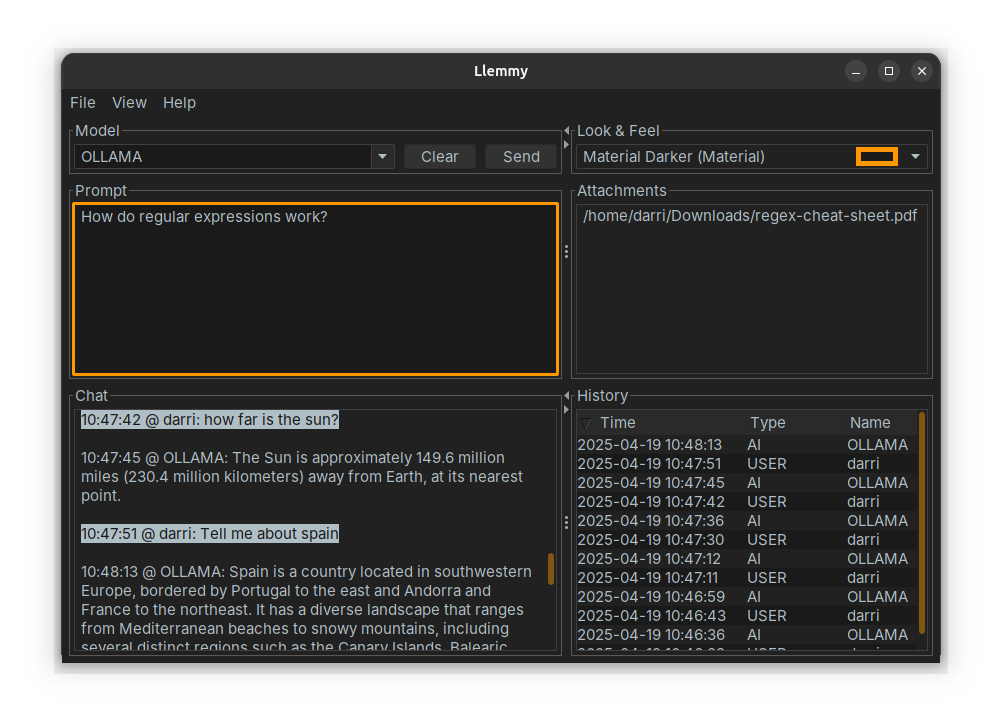
Include ~50 FlatLAF Look and Feels. Users can dynamically switch between Material themes (Darker, Oceanic, Night Owl), developer favorites (Dracula, One Dark, Gruvbox), or nature-inspired themes (Aurora Borealis, Sakura) without restarting (View → Select Look & Feel).
// Include the 6 core Flat Look and Feels
<dependency>
    <groupId>is.codion</groupId>
    <artifactId>codion-plugin-flatlaf-themes</artifactId>
</dependency>

// Include ~50 IntelliJ theme based Flat Look and Feels
<dependency>
    <groupId>is.codion</groupId>
    <artifactId>codion-plugin-flatlaf-intellij-themes</artifactId>
</dependency>🔒 Type Safe
Every aspect of Codion is compile-time checked. No string-based column references, no runtime surprises. Foreign keys are first-class citizens with automatic loading.
// Compile-time safety everywhere
Entity country = connection.selectSingle(Country.CODE.equalTo("USA"));
String capitalName = country.get(Country.CAPITAL_FK).get(City.NAME);

// Query results are type-checked at compile time
List<String> artistNames = connection.select(Artist.NAME, Artist.ID.in(1, 2));

// Generic column definitions with type safety
Column<List<String>> TAGS = TYPE.column("tags", new TypeReference<>() {});
Column<Location> COORDINATES = TYPE.column("location", Location.class);

// Conditions enforce correct attribute types
Condition lowRated = Track.RATING.lessThanOrEqualTo(4);
Condition expensive = Track.UNITPRICE.greaterThan(BigDecimal.ONE);
🔄 Observable by Design
Everything in Codion is observable. UI components automatically update when data changes. No manual synchronization, no event bus complexity. Just declare relationships and watch them work.
// Traditional approach - manual synchronization
textField.getDocument().addDocumentListener(new DocumentListener() {
    public void changedUpdate(DocumentEvent e) { updateFilter(); }
    public void removeUpdate(DocumentEvent e) { updateFilter(); }
    public void insertUpdate(DocumentEvent e) { updateFilter(); }
});
button.setEnabled(false);  // Remember to update this everywhere!

// Codion approach - synchronous observable binding
Value<String> filter = Value.nullable();
State canSubmit = State.and(hasData, isValid);

JTextField filterField = Components.stringField()
    .link(filter)
    .hint("Filter...")
    .build();

JButton submitButton = Components.button()
    .action(submitAction)
    .enabled(canSubmit)  // Updates automatically and synchronously!
.build();📉 Reduces Complexity
We implemented the same master-detail CRUD application in several frameworks and counted lines. The gap was already clear for basic CRUD, and grew once the comparison included the table features Codion ships by default - sorting, per-column filtering, keyboard navigation, export, validation indicators.
// Basic master-detail (same application)
React + Node.js:  ~515 lines
Spring Boot:      ~355 lines
Codion:            143 lines

// Estimated, with Codion's default table
// features implemented in each stack:
React + Node.js:  ~1,900 lines
Spring Boot:      ~1,350 lines
Codion:            143 lines
Read the comparison, including the full Codion implementation →
⚔️ Battle tested
Codion has powered production applications in scientific and government institutions for over twenty years - among them a national fishing-quota registration system that ran for fifteen years, and research vessel software that has never cost a cruise. More than forty applications, maintained by the framework author, all running the current framework version.
🪶 Lightweight
Codion is built on Java Standard Edition - Swing, JDBC, and RMI. No third-party application servers or complex deployment scenarios.
Resource Efficiency
Codion applications typically use fewer resources than Electron-based counterparts:
// Typical resource usage comparison:
Electron app:     400MB+ RAM, 150MB+ disk
Codion app:       40-80MB RAM, 15MB disk

// CPU efficiency:
Electron: Constant background activity
Codion: Near-zero when idle
🤖 AI/LLM Ready
Plain, explicit, parameterized builder APIs turn out to be easy for language models to read and write - there is no runtime magic to reason about, and typed attributes catch generation mistakes at compile time. The framework also ships an MCP module that lets an AI assistant drive a running application and verify each step against the model state.
// Every configuration option is an explicit parameter
Components.stringField()
    .link(nameValue)
    .columns(20)
    .upperCase(true)
    .maximumLength(20)
    .action(insertAction)
    .horizontalAlignment(CENTER)
    .selectAllOnFocusGained(true)
.transferFocusOnEnter(true);🏗️ Domain-Driven Design
Your business domain becomes executable, type-safe code. Define entities once with rich metadata, and Codion generates all CRUD operations, validations, and UI components automatically.
// Define your domain - this is all you need!
interface Customer {
    EntityType TYPE = DOMAIN.entityType("store.customer");

    Column<String> NAME = TYPE.stringColumn("name");
    Column<String> EMAIL = TYPE.stringColumn("email");
    Column<BigDecimal> CREDIT_LIMIT = TYPE.bigDecimalColumn("credit_limit");
}

// This definition provides:
// ✓ Type-safe CRUD operations
// ✓ Form validation and UI components
// ✓ Search and filter capabilities
// ✓ Foreign key navigation

// Use it everywhere with compile-time safety:
Entity.Key customerKey = connection.insert(
    entities.entity(Customer.TYPE)
        .with(Customer.NAME, "John Doe")
        .with(Customer.EMAIL, "john@example.com")
        .with(Customer.CREDIT_LIMIT, new BigDecimal(10_000))
.build());🚀 Quick to Start
Minimal boilerplate and configuration. From database schema to a working CRUD application in hours, with the compiler and IDE helping the whole way.
// Domain definitions for a couple of tables ~100 lines
// Initial application and UI setup ~150 lines
// Run the application and start testing